

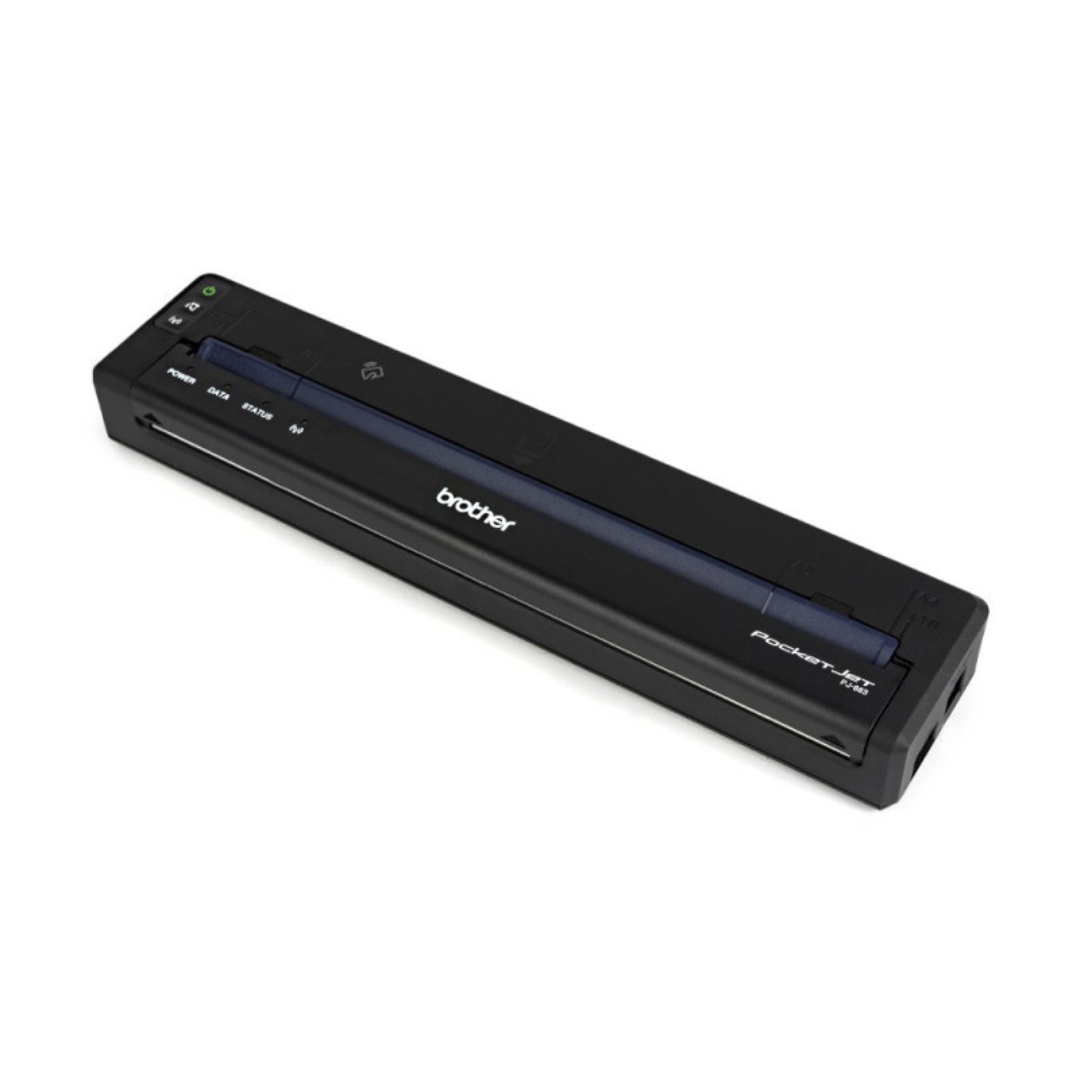
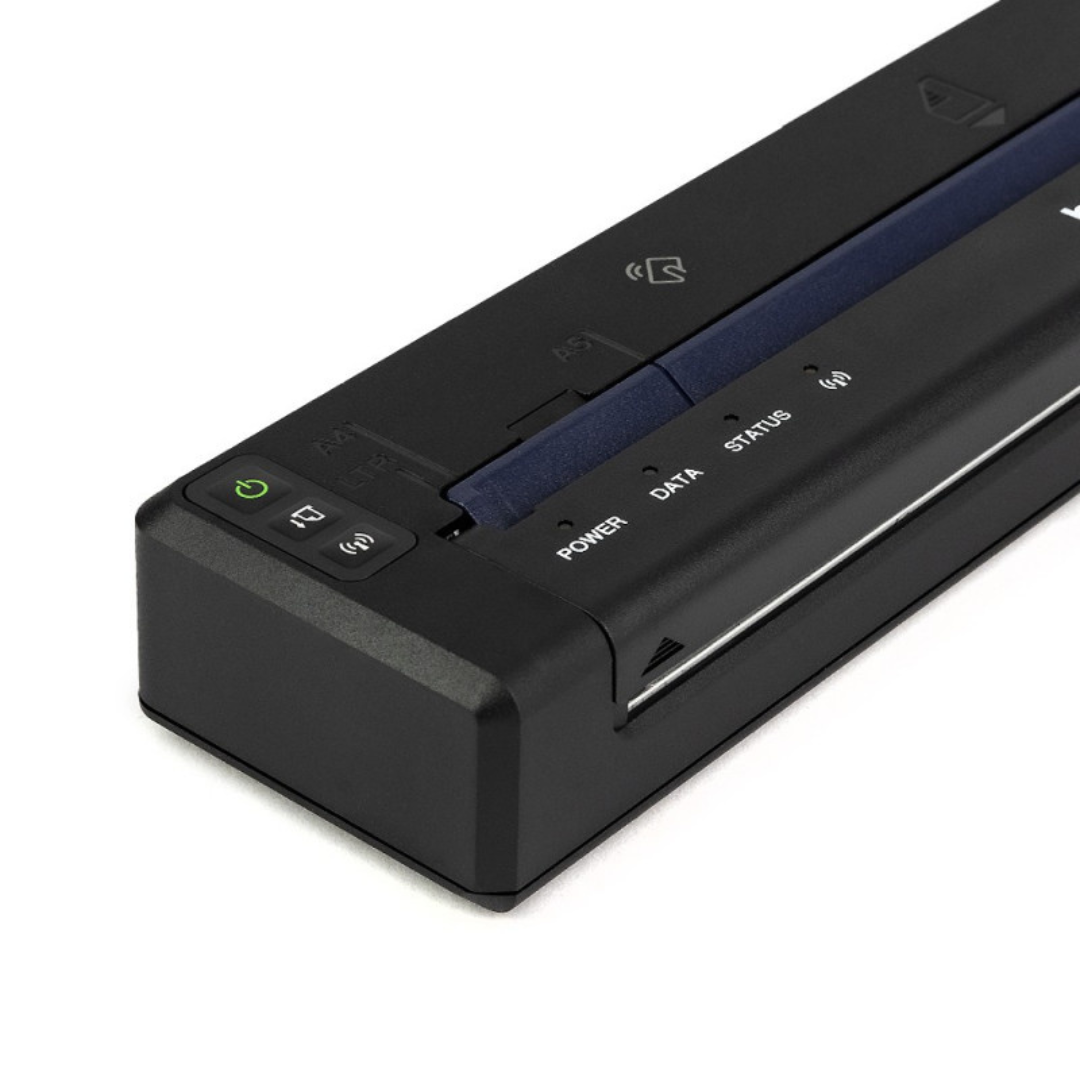
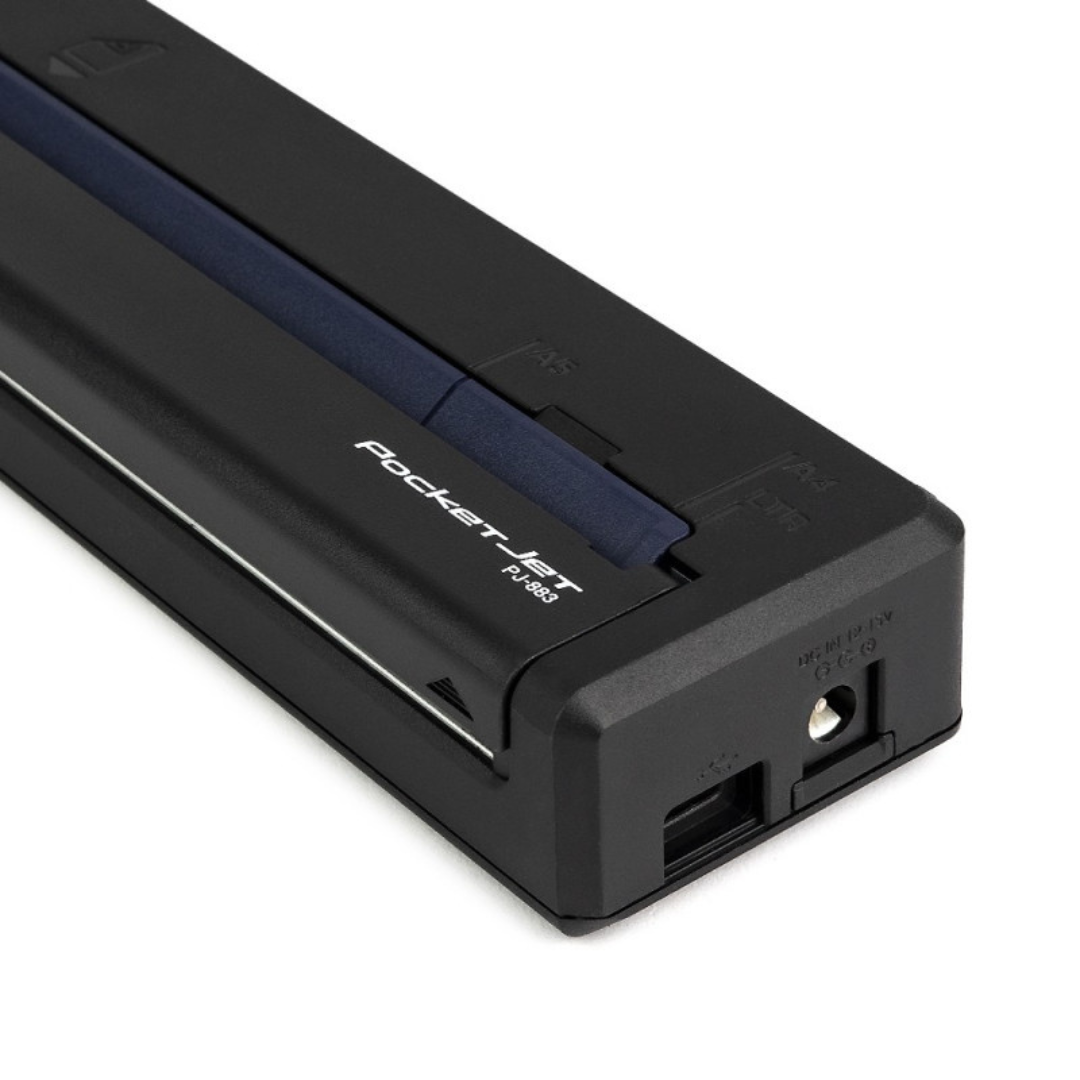
Brother PocketJet PJ-883 Wireless Thermal Printer
PocketJet PJ-883 by Brother is a high-resolution full-page mobile thermal printer with USB-C®, Wi-Fi®, AirPrint®, and Bluetooth® Wireless technology. This perfectly portable design prints small fonts, graphics, and images clearly and quickly– all with a full range of connectivity options. It lets you print virtually anywhere from almost any device.
PocketJet PJ-883 by Brother is a high-resolution full-page mobile thermal printer with USB-C®, Wi-Fi®, AirPrint®, and Bluetooth® Wireless technology. This perfectly portable design prints small fonts, graphics, and images clearly and quickly– all with a full range of connectivity options. It lets you print virtually anywhere from almost any device.
| Weight | 1 kg |
|---|
KEY FEATURES
- Print 8.5 inches x 11 inches at up to 13.5 pages per minute print speed to increase efficiency
- Communicate and charge power easily with a single USB Type-C® cable
- Dual Bluetooth® and Wi-Fi® interfaces
- Android™, iOS®, Google Cloud Print™, MFi, and Mopria™ support
- Apple® AirPrint® to print from iOS®
- Windows®, macOS®, and Linux (via USB) OS compatibility
- High-resolution 300dpi thermal print technology for top quality
- Optional rechargeable Li-ion battery capable of printing up to 600 pages from a single charge
- 1 Year Warranty
TECHNICAL DETAILS
| Power | Input: 15V DC 4.0A |
| Battery | Rechargeable Li-ion battery, replaceable, 10.8V |
| Battery yield1 | 600 pages per charge |
| Battery charging options | AC adapter, DC car adapter, USB-C |
| Battery charging time | With AC adapter: 2hrs With car adapter: 2hrs With USB-C: 2hrs |
| Energy conservation certification | Energy Star certified |
| Print technology | Direct thermal |
| Resolution | 300dpi |
| Max print speed | Up to 3ips |
| Max print width | 8in (203.2mm) max |
INSTRUCTIONS
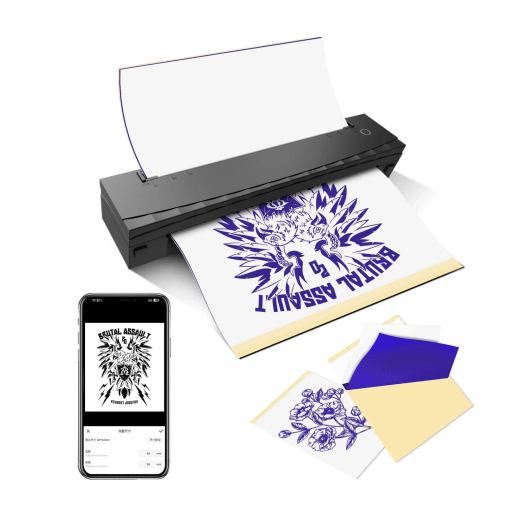
- Remove the protective sheet and the yellow master sheet from the carbon paper. So you will be left with just the carbon sheet and the transfer sheet.
- Insert the carbon paper into the thermal printer face up on top of the printer. The printer will hold it into place.
- Flip the image on your computer horizontally (tip: for a good transfer, change the opacity of the image and make it lighter).
- Print. Keep tension on the paper to reduce creases.
- After printing, lift the front flap of the printer up to release the paper and hey presto, its done!
Only logged in customers who have purchased this product may leave a review.



Reviews
There are no reviews yet.